
Service
Screens and content: playback, slides, captions
Our regular partners install the screens. We run the signal, slides, videos and captions, and we answer for everything the audience sees.
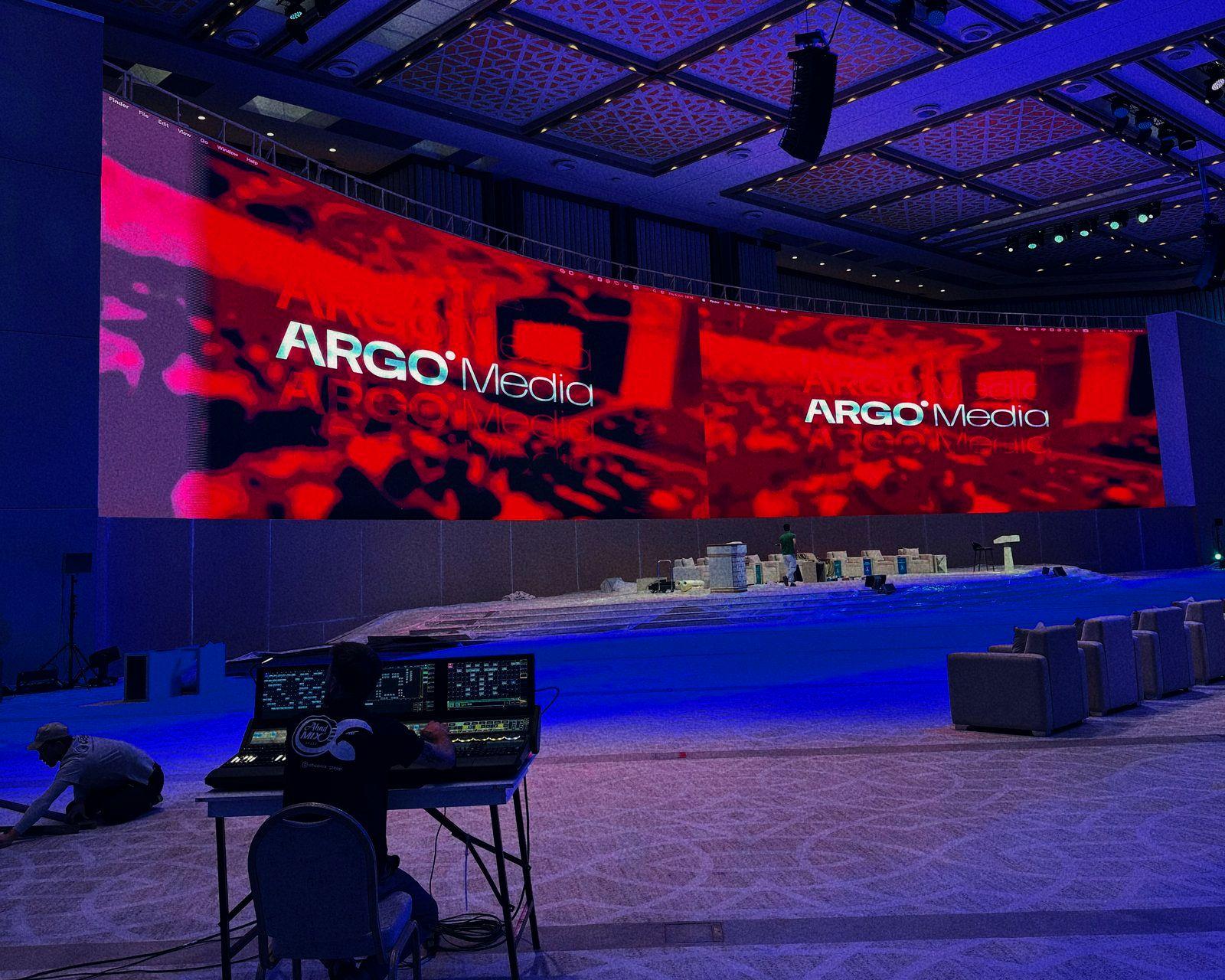
- computers and laptops for content
- up to 15
- signal matrix: any source to any screen
- 20×20
- content machines: main and backup, each file on both
- 2
Partners install LED screens, projectors and lighting to our technical plan, and we answer for them: one plan, one estimate, one person in charge on site.
Scope
What screens and content include
Everything to do with the picture is our work. The screens themselves come from partners, and we say so.
Our own
Signal routing
Every source meets in our matrix: the engineer sends slides to the backdrop, the close-up to the side screens and the programme feed to the stream.
Blackmagic Videohub 12G · AJA KUMO 1616-12G · AMOONSKY
Our own
Slides and videos
The content operator runs slides, videos and stings to the run of show: speaker walk-on, break, awards. Every file is opened and checked on our machine in advance.
Apple Mac Studio · Mac mini · vMix PC · Akai APC Mini
Our own
Captions and graphics
Speaker name and title, delegate country, now and next boards outside the halls, the speaker timer. Prepared in advance; programme changes go in during the day.
Our own
Confidence monitor and clicker
On stage: a monitor with the current slide, the next slide and the timer. The speaker clicks through, the content operator backs them up.
LG OLED 55″ · Teleview 24″ · SUPER CUE
From partners
LED screens and projectors
Backdrop, side and curved screens, projectors: installed by regular partners. We set size and position in the technical plan, and we answer for the picture on site.
From partners
Lighting, stage, trusses
Stage wash, moving heads, trusses for the screens and stage power come from partners. Their rigging runs on one schedule with ours.
How it works
How the picture reaches the screen
Our engineer builds and runs the signal path from laptop to screen; the partner's screen is its last link.
Sources
Content machine, hall cameras, the laptop on stage, the voting page: every source is connected in advance.
Matrix
All signals meet in the matrix. Long runs go over 12G fibre, so the picture reaches the screen intact.
Vision mixer
The director builds the shot: slide, close-up, caption, and cuts between them to the run of show.
Screen
The video processor fits the picture to the size and shape of the screen. We tune it with the partner at the rehearsal the day before.
Stream and recording
The same programme feed goes to the stream and to recording: online viewers see what the hall sees.
Projects
Where we ran the screens
Plenary sessions, a bank's evening event, and fifteen days of the UNESCO General Conference with content running to the minute.
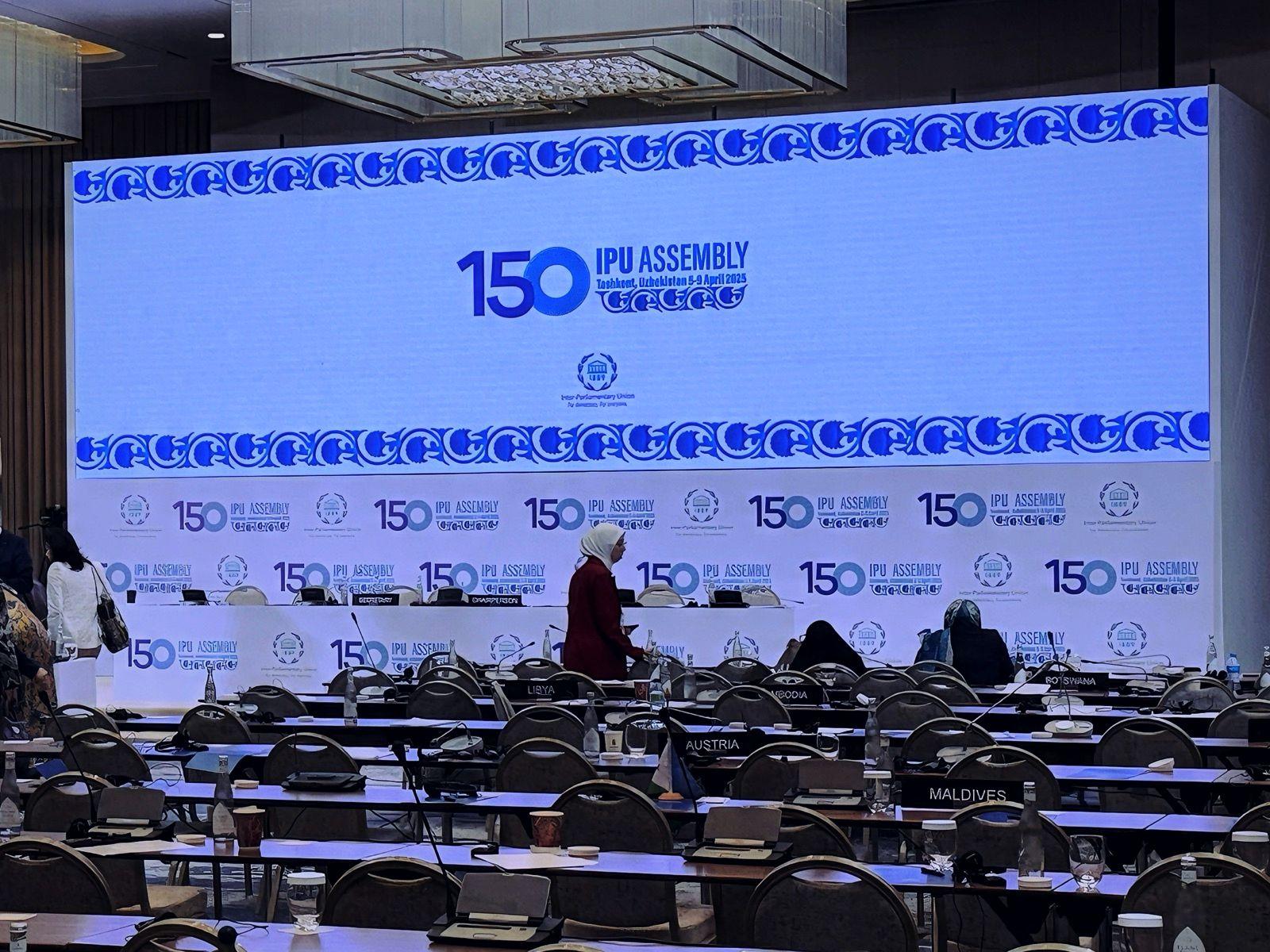
Photo: hall of the 150th Inter-Parliamentary Union Assembly, Tashkent, 2025 2025 · Tashkent
150th Assembly of the Inter-Parliamentary Union
We directed video for the plenary sessions: each speaker in close-up on a wall-wide screen, with a country caption.
- halls
- 2
- cameras
- 8
- days
- 5
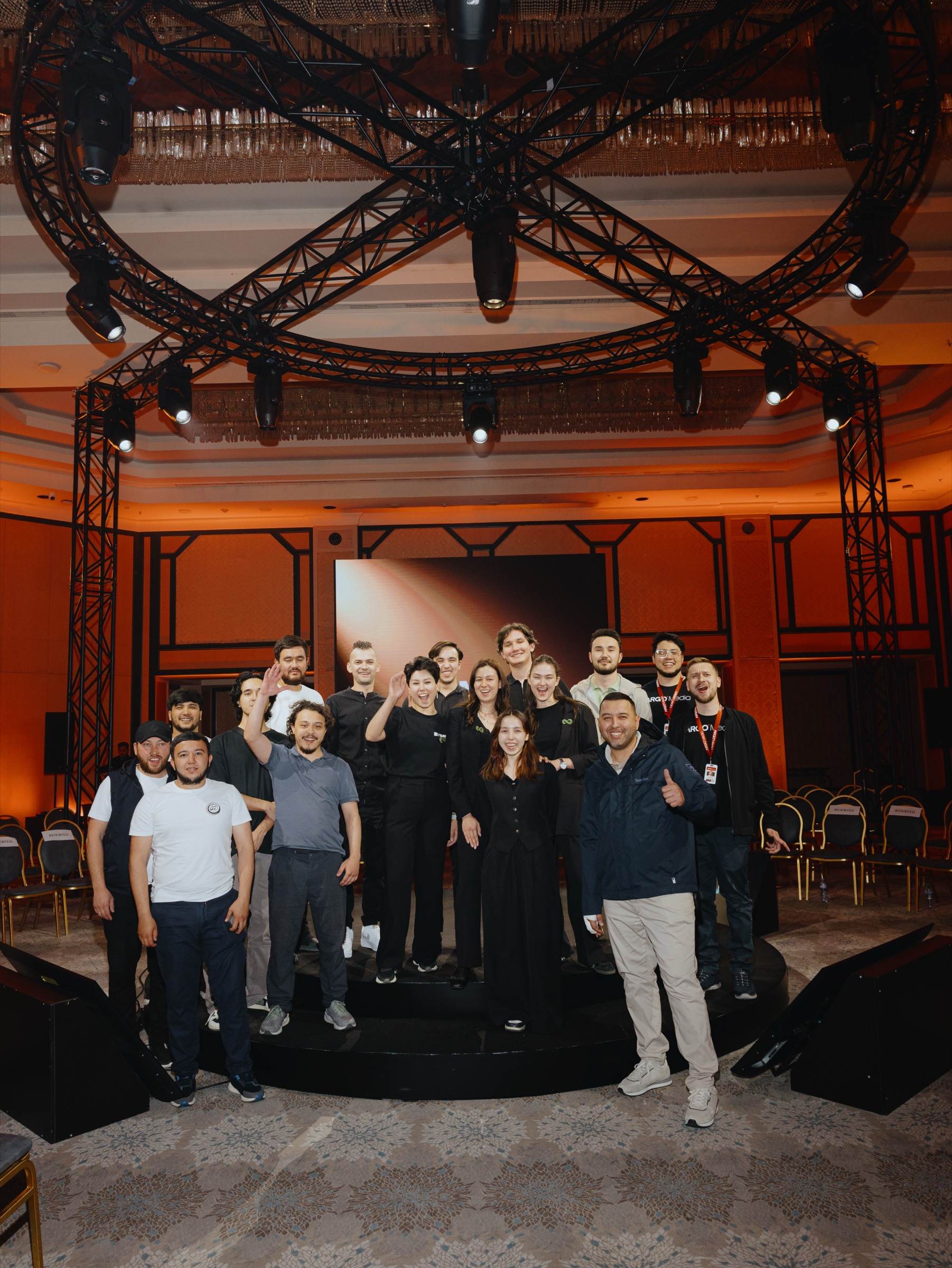
Photo: crew on the IMAN evening stage, Tashkent, 2025 2025 · Tashkent
IMAN bank evening
Sound, video and content were ours; stage, trusses, lighting and LED came from partners under our coordination.
- screens by the round stage
- 2
- cameras
- 4
- days of setup
- 2
Questions
Questions about screens and content
What clients ask before the first call.
Can we take just a screen from you, without a crew?
No. We own no screens and do not rent out equipment on its own. A screen comes only as a rental with an engineer and setup, together with our signal and content, so one contractor answers for the picture.
What screen does our hall need?
We decide after the site visit: ceiling height, distance to the back row, light in the hall. The technical plan gives size, position and type: LED backdrop, side screens or a projector. You do not need to write a brief.
When should we send slides and videos?
By 18:00 the day before the talk. The operator checks every file: fonts, video, sound. A flash drive brought at the last minute is accepted too, but the file goes to the hall only after the check.
Where do the speaker name captions come from?
Send the speaker list 48 hours ahead in our template: name, title, company or country. If the programme changes on the day, we fix the captions on site.
Can audience questions and voting go on screen?
Yes. Guests vote and ask questions in a Telegram bot, the moderator picks what to show, and the results grow on the hall screen. The venue Wi-Fi is not needed for this.
Request
Tell us about your event — we reply within an hour
Anything else — ask at the consultation.